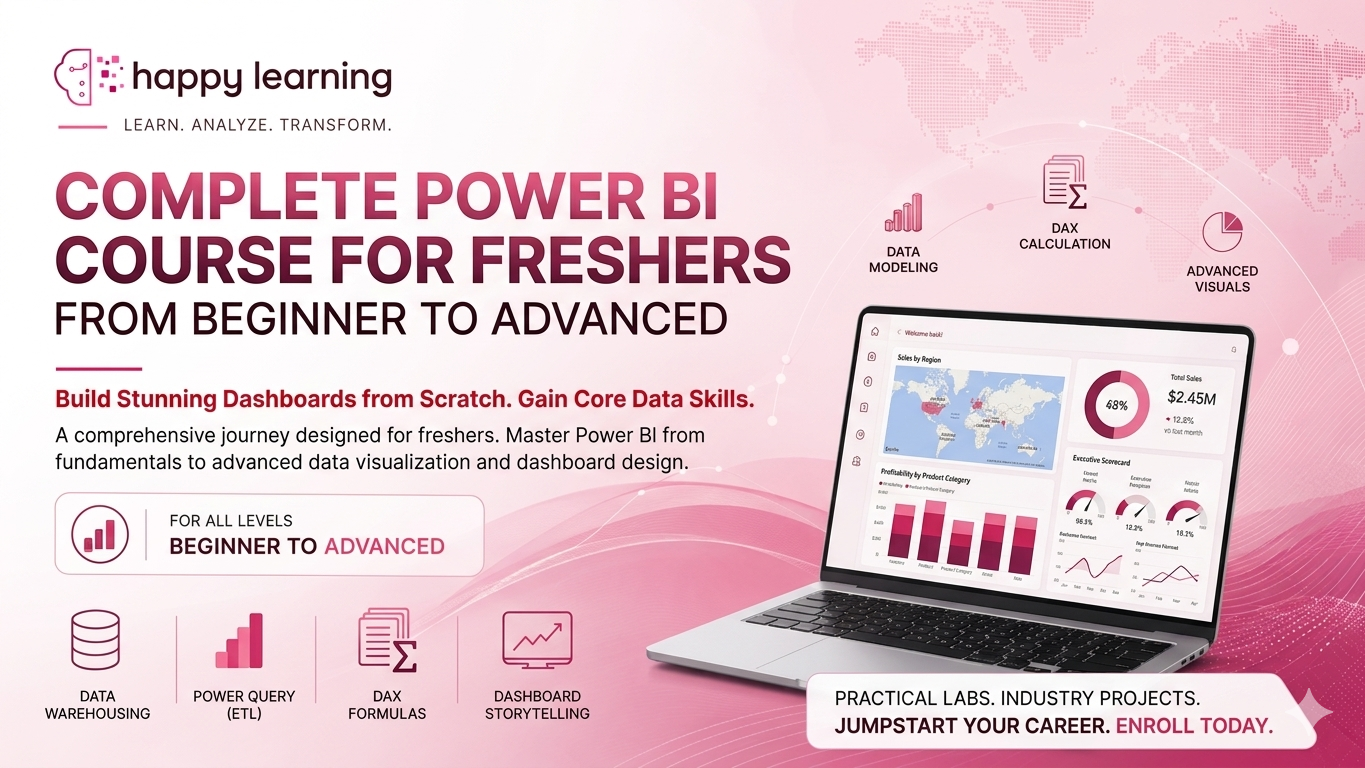
Complete Power BI Course for Freshers: From Beginner to Advanced Dashboard Building
Course Content
Course Introduction
This section helps students understand the fundamentals of Microsoft Power BI and its importance in the modern data-driven industry. You will learn what Power BI is, why companies use it for reporting and decision-making, and how it compares with tools like Excel and Tableau. This module also explains different types of Power BI users, the overall Power BI architecture, the complete learning roadmap of the course, and real-world business use cases to build a strong foundation before moving to advanced topics.
What is Power BI
Why Power BI is Used in the Industry
Power BI vs Excel vs Tableau vs Other BI Tools
Types of Users in Power BI
Power BI Architecture Overview
Power BI Course Roadmap
Real-World Use Cases of Power BI
BI and Data Fundamentals
This section helps students understand the fundamentals of Business Intelligence (BI) and data concepts used in modern organizations. You will learn what BI is, how data is collected, processed, and transformed into useful insights, and why it is important for decision-making. This module also covers types of data, basic database concepts, and the difference between data, information, and insights, helping you build a strong foundation before moving to tools and advanced analytics topics.
What is Business Intelligence
What is Data Analysis
Types of Data: Structured, Semi-Structured, Unstructured
Data vs Information vs Insights
Data Lifecycle (Collection to Visualization)
Power BI Setup and Interface
This section helps students set up Microsoft Power BI and understand its working environment. You will learn how to download and install Power BI Desktop, explore the differences between Power BI Desktop and Service, and understand the interface including Report View, Data View, and Model View.
Installing Power BI Desktop
Power BI Desktop vs Power BI Service
Power BI Interface Overview
Report, Data, and Model View
Fields and Visualizations Pane
Data Connection in Power BI
This section helps students understand how to connect Power BI with different types of data sources used in real-world projects.
Data Sources in Power BI
Connecting to Excel and SQL Server
Connecting to Web Data in Power BI
Import vs DirectQuery in Power BI
Data Load and Preview
Power Query (Data Transformation)
This section focuses on transforming raw data into a clean and usable format using Power Query.
Power Query: Introduction and Interface
Applied Steps and Data Transformation
Cleaning and Filtering Data
Merge and Append Queries
Basic M Language (Power Query)
Data Cleaning and Preparation
This section helps students prepare high-quality datasets by handling real-world data issues.
Handling Missing and Incorrect Data
Data Type and Value Transformation
Removing Errors and Duplicates
Data Standardization
Data Modeling in Power BI
This section explains how to design efficient and scalable data models.
Data Modeling Basics
Creating Relationships in Power BI
Cardinality and Cross Filter Direction
Star Schema vs Snowflake Schema
Modeling Best Practices
DAX Fundamentals
This section introduces DAX for creating calculations in Power BI.
Introduction to DAX (Data Analysis Expressions)
Calculated Columns vs Measures
Commonly Used DAX Functions
Logical and Aggregation Functions in DAX
DAX Advanced
This section focuses on advanced DAX concepts used in real-world reporting.
Row Context vs Filter Context
CALCULATE Function in DAX
Time Intelligence Functions in DAX
Advanced DAX Scenarios
Data Visualization
This section helps students create effective and meaningful visualizations.
Visualization Basics in Power BI
Charts and Graphs in Power BI
Tables and Matrix in Power BI
Custom Visuals in Power BI
Report Design
This section helps students design effective, interactive, and meaningful reports and dashboards for better data analysis and business decision-making.
Report Layout Design in Power BI
Themes & Formatting in Power BI
Slicers & Filters in Power BI
Drill Down in Power BI
Interactivity
This section helps students understand and implement interactive features like slicers, filters, drill-throughs, bookmarks, and tooltips to create dynamic and user-friendly reports.
Drill Through in Power BI
Tooltips in Power BI
Bookmarks in Power BI
Buttons in Power BI
Data Refresh & Gateway in Power BI
This section helps students understand how to configure data refresh and gateways in Microsoft Power BI to keep reports updated with the latest data from various data sources.
Data Refresh & Gateway
Scheduled Refresh in Power BI
Incremental Refresh in Power BI
Gateway Setup in Power BI
Troubleshooting in Power BI
Security in Power BI
This section helps students understand security features in Microsoft Power BI, including Row-Level Security (RLS), workspace access, permissions, and data protection techniques to secure reports and dashboards.
Row-Level Security (RLS) in Power BI
Roles & Permissions in Power BI
Testing RLS (Row-Level Security) in Power BI
Column-Level Security (CLS) in Power BI
Performance Optimization
This section helps students understand performance optimization techniques in Microsoft Power BI to improve report speed, reduce loading time, and create efficient dashboards using optimized data models, DAX, and visuals.
Performance Optimization in Power BI
Data Model Optimization in Power BI
DAX Optimization in Power BI
Performance Analyzer in Power BI
Real-Time & Integration
This section helps students understand real-time reporting and integration capabilities in Microsoft Power BI, including live dashboards, streaming datasets, API connectivity, and integration with Azure, Excel, SQL databases, and other business applications.
Real-Time & Integration in Power BI
Real-Time Data in Power BI
Power BI with Excel
Integration with Power Apps in Power BI
Integration with Power Automate in Power BI
Interview Preparation
This section helps students prepare for Microsoft Power BI interviews by covering commonly asked interview questions, real-world scenarios, project discussions, and practical problem-solving techniques.
Set 1
Set 2
Set 3
Set 4
Set 5
Set 6
Set 7
Set 8
Set 9
set 10
Advanced Power BI Interview Questions 1
Advanced Power BI Interview Questions 2
PL 300 Question Bank 1
PL 300 Question Bank 2