Mastering Azure Data Factory (ADF): Complete Data Engineering
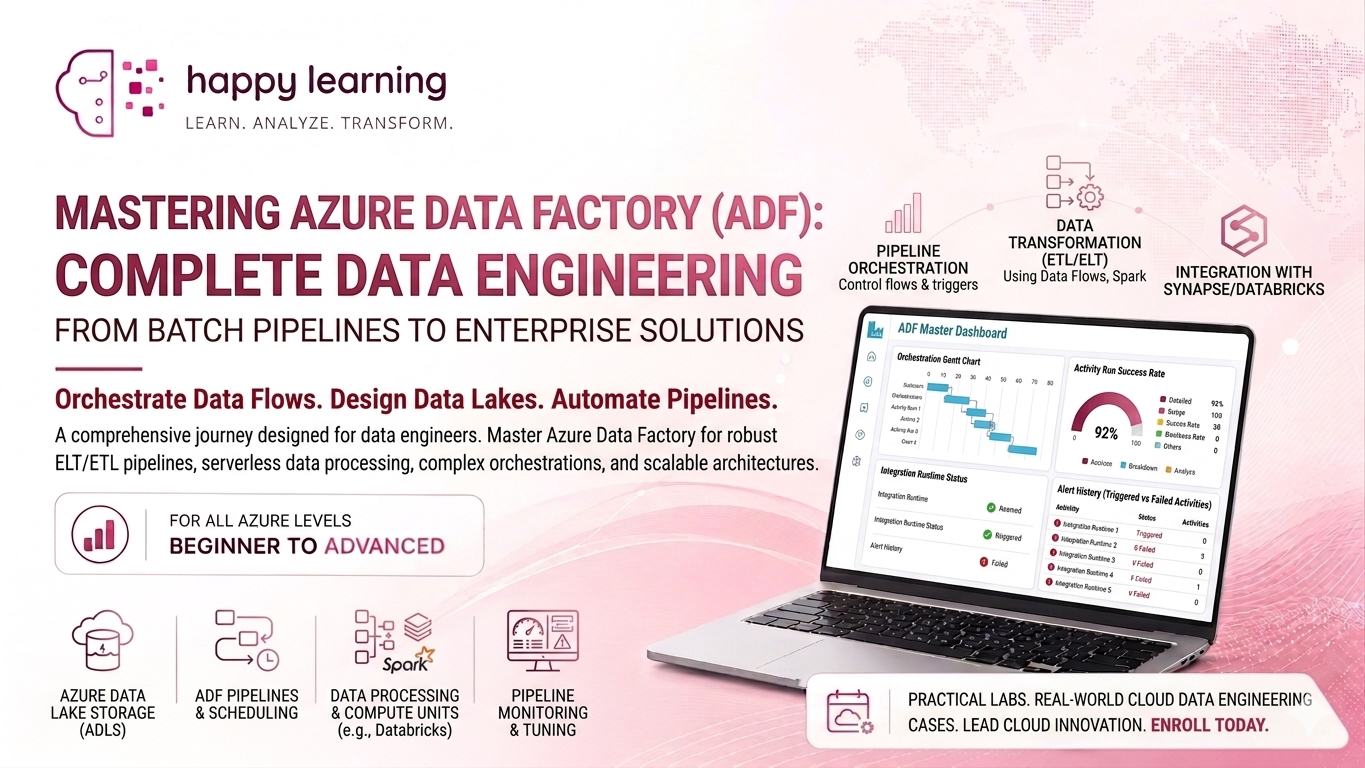
Course Content
Introduction to Azure and Data Engineering
Microsoft Azure is a cloud computing platform provided by Microsoft that offers services like storage, databases, networking, analytics, and computing power over the internet. Instead of managing physical servers, companies can use Azure to build, store, and process data in the cloud.Data Engineering is the process of collecting, transforming, and managing large amounts of data so that it can be used for reporting, analytics, and decision-making. A Data Engineer builds data pipelines, handles ETL/ELT processes, and ensures data is clean, reliable, and available.Azure supports Data Engineering through services like Azure Data Factory, Azure Databricks, Azure Synapse Analytics, and Azure Data Lake Storage, making it easier to build modern data solutions.
What is Cloud Computing?
Introduction to Microsoft Azure
Azure Services Overview
What is Data Engineering?
Role of Azure Data Factory in Data Engineering
ETL vs ELT Concepts
Batch Processing vs Real-Time Processing
Traditional ETL Tools vs Azure Data Factory
Azure Fundamentals Required for ADF.
Azure Fundamentals Required for ADF covers the basic Azure services and concepts needed to work with Azure Data Factory, such as subscriptions, resource groups, storage accounts, networking, and access management. It helps learners understand the cloud environment before building data pipelines and ETL workflows.
Azure Portal Overview
Resource Groups
Storage Accounts
Blob Storage
Azure SQL Database
Azure Synapse Overview
Azure Data Lake Storage (ADLS Gen2)
Access Management and IAM Basics
Introduction to Azure Data Factory (ADF)
Azure Data Factory (ADF) is a cloud-based data integration service in Microsoft Azure used to collect, transform, and move data between different systems. It helps organizations create automated data pipelines for analytics, reporting, and data processing. ADF supports both cloud and on-premises data sources and provides an easy visual interface to build and manage workflows.
What is Azure Data Factory?
ADF Architecture and Components
ADF User Interface Overview
Linked Services
Datasets in ADF
Pipelines and Activities
Integration Runtime
Building Pipelines in ADF
Building pipelines in Azure Data Factory (ADF) involves creating automated workflows to move and transform data between different sources and destinations. A pipeline contains activities such as data copying, data transformation, validation, and execution of external processes. ADF pipelines help automate data integration tasks, making data processing faster, reliable, and scalable in cloud environments.
Creating Your First Pipeline
Copy Activity
Data Movement in ADF
Parameterization in Pipelines
Variables and Expressions
Debugging and Validation
Pipeline Triggers
Data Transformation in ADF
Data Transformation in Azure Data Factory (ADF) is the process of modifying, cleaning, filtering, and converting data into a required format before storing or analyzing it. ADF provides transformation features such as Mapping Data Flows, Wrangling Data Flows, and integration with services like Databricks and Synapse Analytics. These transformations help improve data quality and prepare data for reporting, analytics, and business intelligence.
Mapping Data Flows
Derived Columns
Filter and Conditional Split
Join and Lookup Transformations
Aggregate and Sort Transformations
Data Flow Debugging
Working with Azure Storage and Databases
Azure Data Factory (ADF) works with various Azure storage services and databases to store, process, and transfer data efficiently. Common services include Azure Blob Storage, Azure Data Lake Storage, Azure SQL Database, and Synapse Analytics. ADF connects to these systems using linked services and datasets, allowing users to load, transform, and manage data across cloud and on-premises environments.
Working with Blob Storage
Working with ADLS Gen2
Connecting Azure SQL Database
Importing and Exporting Data
File Formats in ADF
Incremental Data Load
Advanced ADF Concepts
Advanced Azure Data Factory (ADF) concepts include features used for building complex and scalable data integration solutions. These concepts include parameterization, dynamic content, triggers, variables, control flow activities, integration runtime, error handling, and pipeline monitoring. Advanced ADF features help automate workflows, improve reusability, handle large-scale data processing, and build enterprise-level data pipelines efficiently.
Dynamic Content in ADF
ForEach Activity
Until Activity
Error Handling and Retry Logic
Tumbling Window Triggers
Monitoring and Alerts
Real-Time and Big Data Processing
Real-Time and Big Data Processing in Azure involves handling large volumes of data quickly and efficiently for analytics and decision-making. Azure Data Factory (ADF) can integrate with services like Azure Databricks, Azure Stream Analytics, Event Hubs, and Synapse Analytics to process streaming and big data workloads. These technologies help organizations analyze real-time data, automate large-scale processing, and generate faster business insights.
Introduction to Big Data
Real-Time Processing Concepts
Stream Analytics Overview
Event Hub Basics
Batch vs Streaming Architecture
Security and Governance
Security and Governance in Azure Data Engineering focus on protecting data, controlling access, and ensuring compliance with organizational policies. Azure provides features like Role-Based Access Control (RBAC), Managed Identity, encryption, monitoring, and data governance tools to secure data pipelines and cloud resources. These practices help maintain data privacy, reliability, and proper management across the entire data engineering environment.
Azure Security Basics
Managed Identities
Key Vault Overview
Data Encryption
Role-Based Access Control (RBAC)
Data Governance Concepts
End-to-End Data Engineering Project
An End-to-End Data Engineering Project involves designing and building a complete data pipeline from data collection to reporting and analytics. In Azure, this includes extracting data from different sources, transforming and processing it using Azure Data Factory (ADF), storing it in databases or data lakes, and visualizing insights using tools like Power BI. Such projects help learners understand real-world data engineering workflows and industry practices.
Project Architecture
Data Ingestion
Data Transformation
Data Loading
Monitoring Pipelines
Reporting and Analytics
Project Deployment Best Practices